
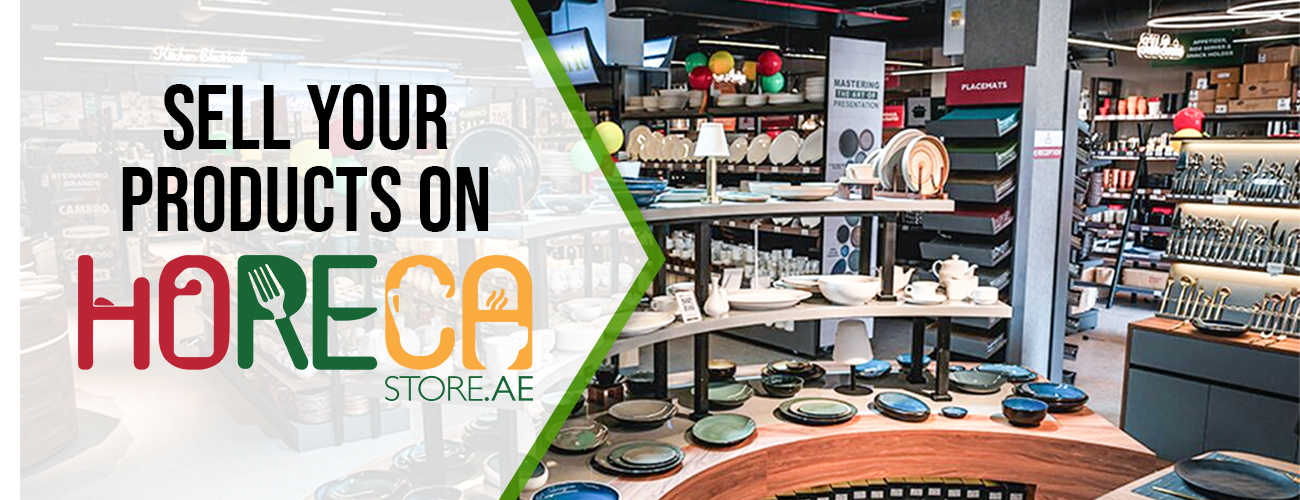
Entering the world of online marketplaces can be daunting, but HorecaStore offers a unique platform tailored for sellers in the hospitality, restaurant, and catering industry. This guide will walk you through the process of listing your products on HorecaStore, helping you reach your target audience more effectively and efficiently.
Understanding the HorecaStore Platform
Before diving into the how-tos, it’s important to understand what makes HorecaStore an ideal choice for sellers in the hospitality sector. The platform specializes in connecting suppliers directly with businesses in the hospitality industry, offering a streamlined process for both buyers and sellers.
Why Choose the HorecaStore?
One of the primary reasons to choose HorecaStore is its specialized focus. Unlike generic marketplaces, HorecaStore caters specifically to the hospitality, restaurant, and catering sectors. This means your products are placed in front of a targeted audience actively looking for industry-specific supplies.
Additionally, HorecaStore offers robust support for sellers, including marketing tools, analytics, and customer service resources that can help you optimize your listings and increase sales.
Getting Started with HorecaStore
To start selling on HorecaStore, you’ll need to create a seller account. Here’s how you can get started:
Step 1: Register as a Seller
Visit the HorecaStore website: Navigate to the seller section and click on the “Register” button.
Fill out the registration form: Provide your business information, including your company name, contact details, and a brief description of the products you offer.
Submit necessary documentation: Depending on your location and the nature of your products, you may need to provide certain documents, such as business licenses or proof of insurance.
Verify your account: After submitting your information, you'll receive an email to verify your account. Click the link in the email to complete the registration process.
Step 2: Set Up Your Seller Profile
Once registered, you’ll need to set up your seller profile. This involves:
Creating a compelling seller bio: Highlight your experience and the unique aspects of your business.
Uploading a professional logo: Ensure your branding is consistent across all platforms.
Setting your payment preferences: Choose how you’d like to receive payments from customers.
Listing Your Products
With your account set up, it’s time to list your products. This step is crucial as it determines how your products appear to potential buyers.
Step 3: Add Products to Your Store
Navigate to the ‘Add Product’ section: This can usually be found in your seller dashboard.
Enter product details: Include the product name, description, price, and any relevant specifications. Be as detailed as possible to ensure buyers have all the information they need.
Upload high-quality images: Images are vital in online sales. Ensure they are clear, professional, and showcase your product effectively.
Set stock levels and availability: Indicate how much stock you have and any availability constraints.
Step 4: Optimize Your Listings
To make your products stand out, optimization is key. Consider the following tips:
Use relevant keywords: Incorporate terms that buyers are likely to search for, such as “organic spices” or “industrial kitchen equipment.”
Craft persuasive descriptions: Highlight the benefits of your products and what sets them apart from competitors.
Update regularly: Keep your listings current by updating prices, stock levels, and product details as needed.
Managing Your Sales and Orders
Once your products are listed, managing sales and orders becomes your primary focus. HorecaStore provides tools to help streamline this process.
Step 5: Track Orders and Inventory
Monitor your inventory: Use the platform’s tools to keep track of stock levels and reorder products as necessary.
Process orders efficiently: Ensure you have a system in place to fulfill orders promptly and accurately.
Step 6: Utilize Seller Tools
HorecaStore offers various tools to help you manage your business:
Analytics: Use the platform’s analytics to understand sales trends and customer behaviors.
Promotions: Take advantage of promotional tools to boost your visibility and attract more buyers.
Customer support: Utilize the platform’s resources to resolve any issues that may arise.
Best Practices for Success
To maximize your success on HorecaStore, consider these best practices:
Engage with Customers
Engage with your customers by responding to inquiries promptly and professionally. Building strong relationships can lead to repeat business and positive reviews.
Stay Competitive
Regularly review your pricing strategy to ensure competitiveness in the marketplace. Offering special deals or discounts can also attract more buyers.
Continuous Improvement
Constantly seek feedback and look for ways to improve your product offerings and customer service. Staying adaptable and responsive to market changes is key to long-term success.
Conclusion
Listing your products on HorecaStore can significantly enhance your reach and sales potential within the hospitality industry. By following this guide and utilizing the platform’s resources, you can effectively connect with your target audience and grow your business.
Remember, success on HorecaStore, as with any marketplace, requires dedication, adaptability, and a commitment to providing high-quality products and customer service. Happy selling!